
Company News
28 Mar, 2022
We have moved!
Redloft Technology are excited to announce that our head office has moved to a new location to support our ever growing highly-skilled team.

Tim Mansell
Support for Microsoft Office 2013 will cease on 11th April 2023.
Support for Microsoft Office 2013 will cease on 11th April 2023. Microsoft have confirmed there will be no support extension and no extended security updates.
What does end of Office 2013 support mean for my business?
* From 11th April 2023 Microsoft will not provide technical support, bug fixes or security fixes for any Office 2013 vulnerabilities which are identified or reported on or after this date.
* You will not receive Office 2013 software updates from Microsoft Update.
* Telephone and chat technical support will no longer be available.
* No new support content will be provided.
* Most online help documentation will be retired.
What is the risk to my business?
As security fixes will no longer be provided for Office 2013, your devices will be exposed to potentially harmful viruses, spyware and malicious software.
What are my options as an Office 2013 user?
If you currently run Office 2013, your applications will remain usable so you are able to continue using Office 2013. However, you will be vulnerable to serious security risks.
Prevention is always better than cure. As such our advice is to upgrade to a supported, secure platform. Our Microsoft accredited consultants can advise you on the latest version and the best changes for your organisation.
Microsoft 365
Our recommendation for businesses looking to migrate from Office 2013 is Microsoft 365. A SaaS (Software as a Service) platform, Microsoft 365 is updated from the Microsoft Cloud and always up to date with the latest application features, bug fixes, and security patches.
If you are concerned about your legacy Microsoft applications or would like to discuss an upgrade to Office 365, contact us today.
Redloft Technology are excited to announce that our head office has moved to a new location to support our ever growing highly-skilled team.

Businesses can benefit from grants to purchase new IT equipment, as well as tax credits for research and development.
Two years in the making, 3CX Version 20 Final is heralded as the future of business telephony.

World Backup Day, observed annually on 31st March, serves as a reminder of the critical importance of data backup in our digital age

Artificial Intelligence (AI) has become a transformative force in the business world, offering tools that enhance efficiency, decision-making, and productivity. Among the growing suite of AI-driven technologies, Copilot and ChatGPT stand out as game-changers. These tools, designed to streamline workflows and augment human capabilities, have sparked both excitement and debate. Here’s a balanced look at the potential of these AI tools, the data privacy concerns they raise, and the considerations businesses need to keep in mind.

Empowering Small Businesses with Redloft Technology

In our previous posts, we explored Microsoft 365’s cloud storage, Microsoft Teams, and how they streamline collaboration. Now, in Part 4, we’ll dive into Microsoft Planner, a flexible and easy-to-use project management tool that integrates directly with Microsoft 365. Planner is ideal for tracking tasks, managing projects, and keeping teams aligned, making it a valuable addition to any modern workplace.

The Growing Threat of Cyber Attacks in the UK - Why Managed IT Services are now Essential

Why Do Businesses Keep Getting Hacked and Why Managed IT is Essential
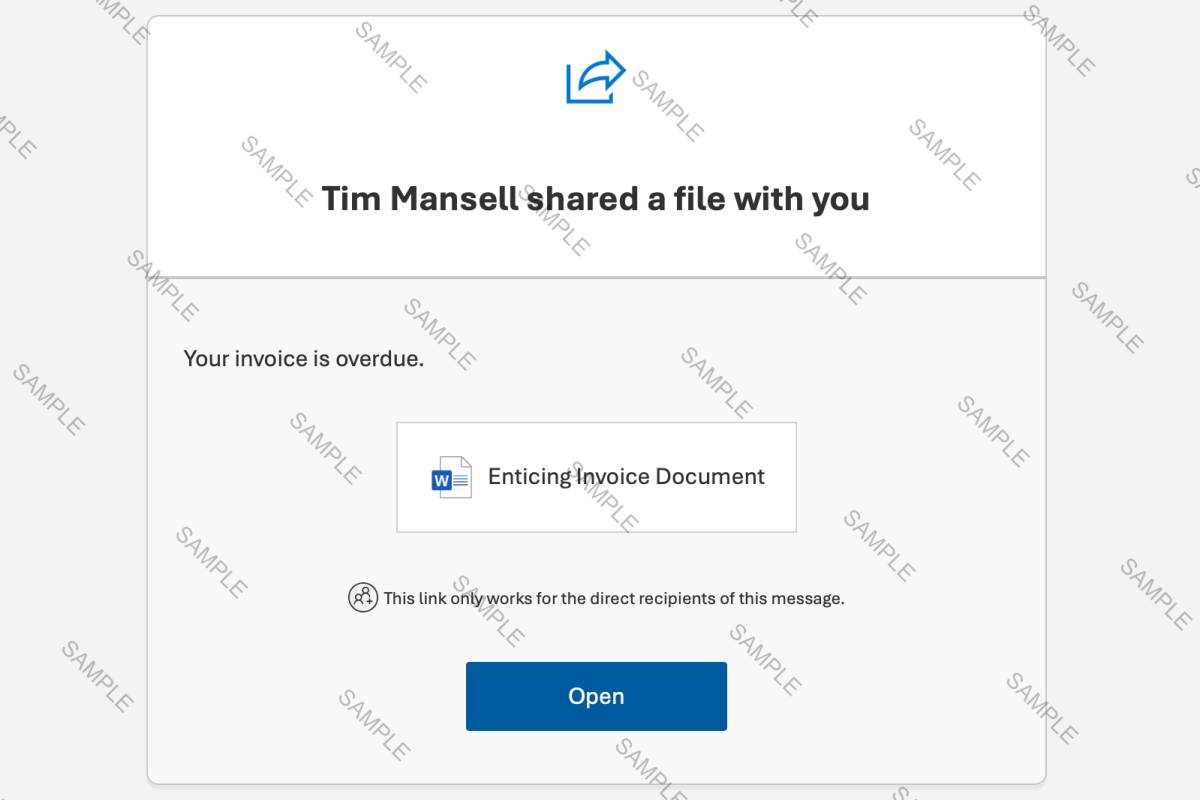
My email was compromised and the attackers sent malicious links to all my customer and suppliers - sound familiar? Hopefully not.

It's us, obviously...

Right now the global IT supply chain is under pressure from an ongoing shortage of memory components, including RAM and SSD storage. This is not a theoretical or future issue, it is already affecting hardware availability, pricing, and lead times across laptops, desktops, servers, and infrastructure.

Cloud technology impacts us daily, from file storage to streaming box sets. We consume cloud without a second thought. It has transformed business operations in many aspects of business.
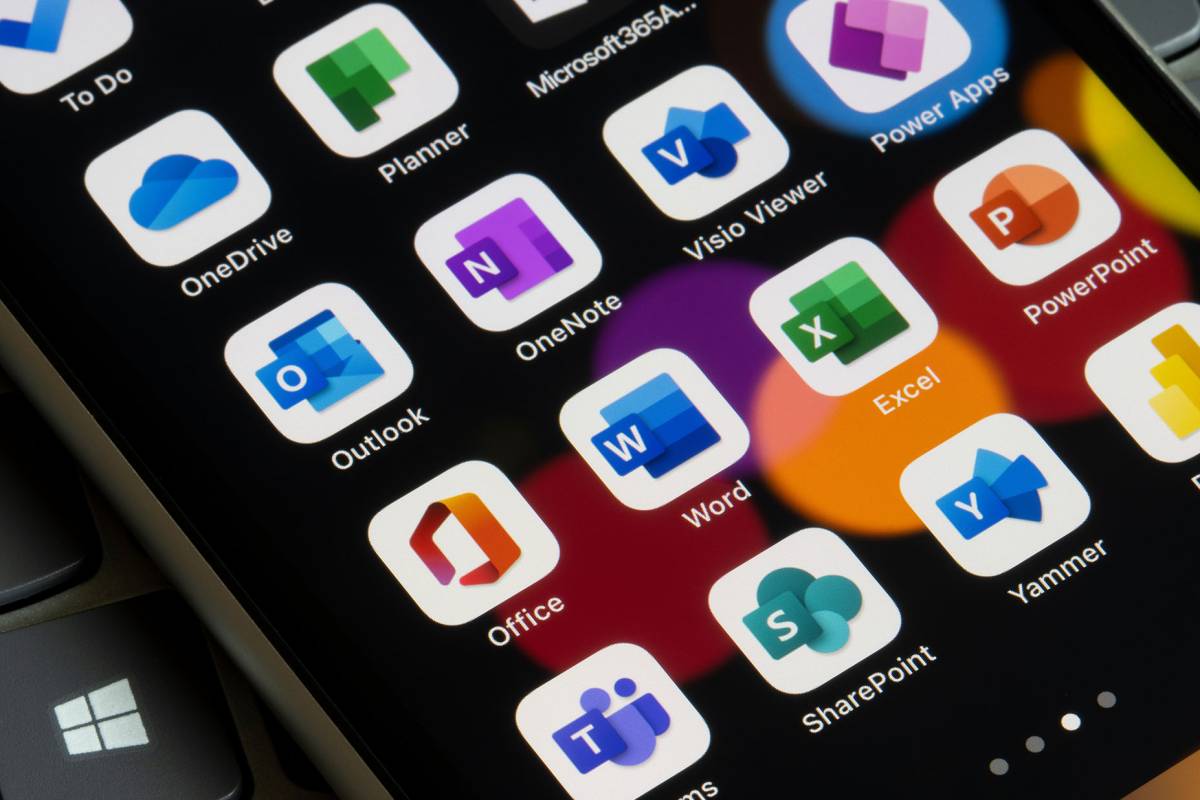
Microsoft 365 is packed with powerful tools for modern businesses, but it’s often underutilized or misunderstood—a challenge we encounter frequently when working with new clients. In this series, we’ll demystify Microsoft 365, clear up misconceptions, and share tips to help you maximise your subscription. Let’s start by exploring what Microsoft 365 is, where it came from, and what it includes today.

In Parts 1 and 2 of this series, we covered the origins of Microsoft 365 and explored its cloud storage solutions, OneDrive and SharePoint. In Part 3, we’ll look at Microsoft Teams, the collaboration hub that brings communication, file sharing, and productivity tools together in one place. Since its launch, Teams has transformed how businesses communicate, making it a powerful asset for remote and in-office work alike.
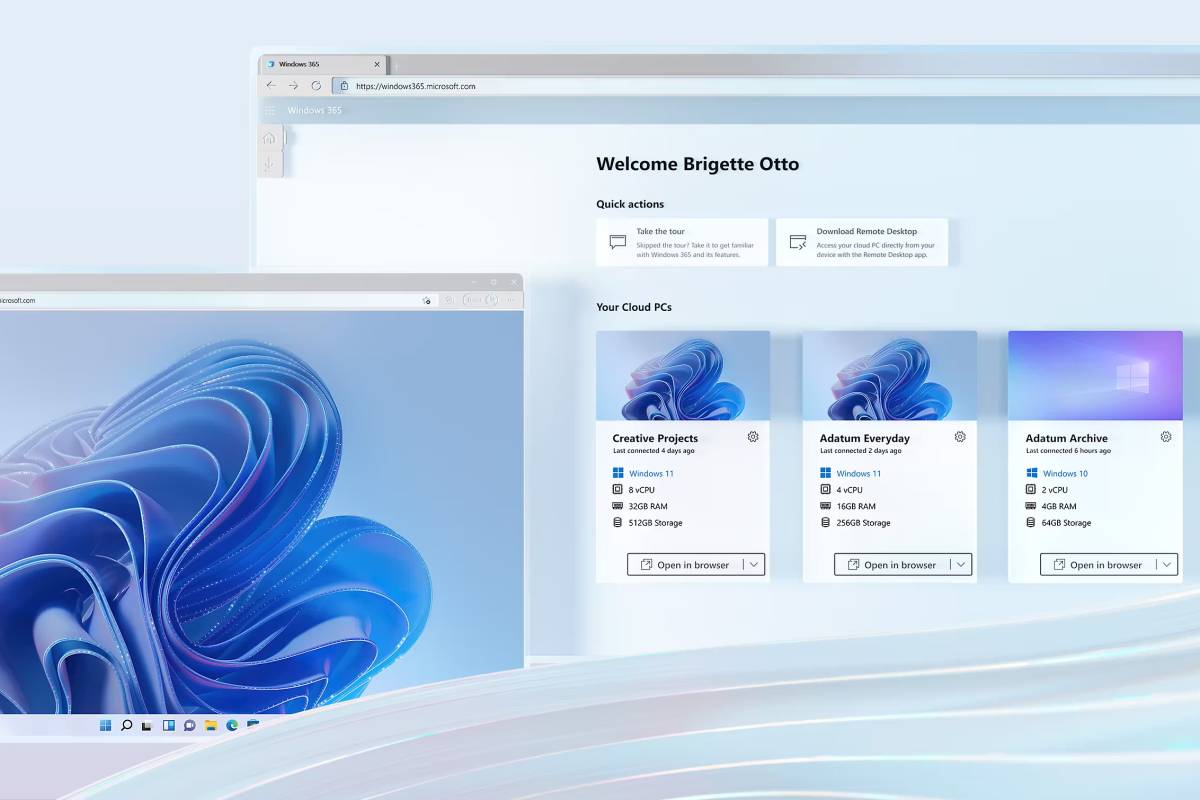
Microsoft has launched a new cloud service, we look into what this service looks like, what it can do, and why you might use it.

Microsoft announced it’s next-generation AI tool - Microsoft 365 Copilot.

In Part 1 of this series, we explored the evolution and scope of Microsoft 365. Today, we’re diving into one of the most crucial components for modern businesses: cloud storage. Microsoft 365 offers two powerful storage solutions—OneDrive and SharePoint—designed to make file storage, sharing, and collaboration seamless. In this post, we’ll cover what each tool offers, their key differences, and practical advice on using them to enhance productivity and data security.

Throughout this series, we’ve explored Microsoft 365’s productivity tools, from cloud storage and collaboration with Teams to task management with Planner. Now, in our final post, we’ll examine the robust security and device management tools in Microsoft 365. In a world where cyber threats are constantly evolving, securing data and managing devices are critical to maintaining a safe, efficient workplace. Microsoft 365 provides a range of security and device management solutions designed to protect businesses from data breaches, cyber-attacks, and other security risks.

With countless apps and tools at our fingertips, it’s easy for data to end up in unexpected places. Shadow IT—unapproved tools and software used by employees—can make it harder than ever to keep track of your business information. So, do you really know where all your data is right now? If you’re not sure, it might be time to shine a light on Shadow IT.

With multi factor authentication upping the anti of application security, in isolation passwords are now seen as a somewhat basic security feature. However they are still an important aspect of your data protection. After all, what’s the benefit of two-factor authentication if one level is overly simple to override.

We discuss the trend of moving to and the benefits of private cloud.